26 languagesNo accountData stays on your iPhone
Say what you spent.
It's logged.
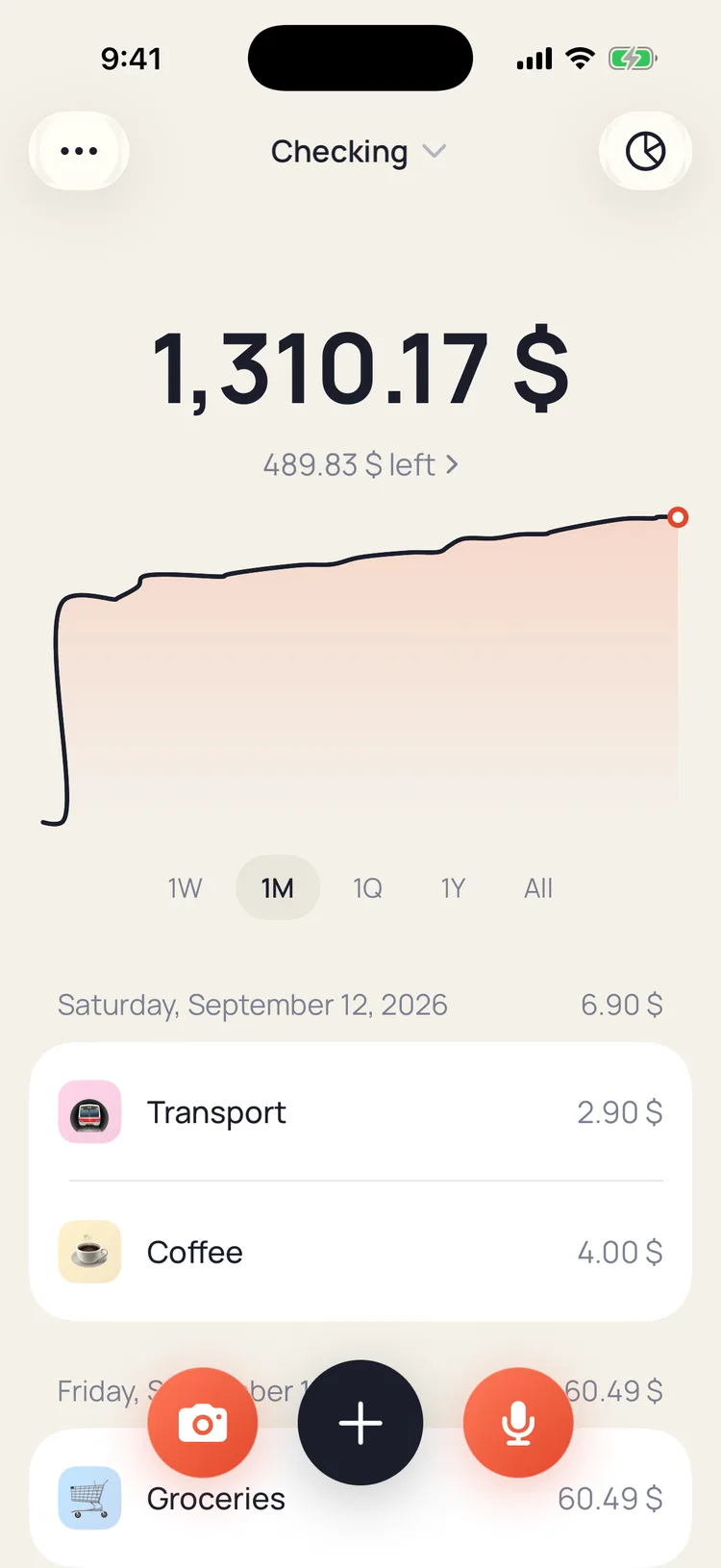
The expense tracker you talk to. Say what you spent, snap the receipt, or let Apple Pay log every card tap — no forms, no spreadsheet. Budgets, accounts and insights take care of themselves.

Point your iPhone camera at the code to install. No account needed.
Free for 7 days · $39.99 a year or $19.99 once · No account
How it works
- Say it. Tap the coral mic at the bottom of Home and say what you spent: “12 euros lunch at Beshamel”, or the whole day in one go. Cash Book turns it into transactions with amount, merchant, tag and date.
- Snap it. Tap the camera and point it at a receipt, or pick a photo or screenshot you already have. Every line gets read into a transaction.
- Let Apple Pay log it. Set up one automation in Apple's Shortcuts app on the Transaction trigger. After that, every card tap opens Cash Book and logs itself.
Say it once. It's logged.
Tap the mic and describe what you spent the way you'd tell a friend. Amount, merchant, tag and date land in the log, in any major language, and you can edit anything before you move on.
How voice logging works ›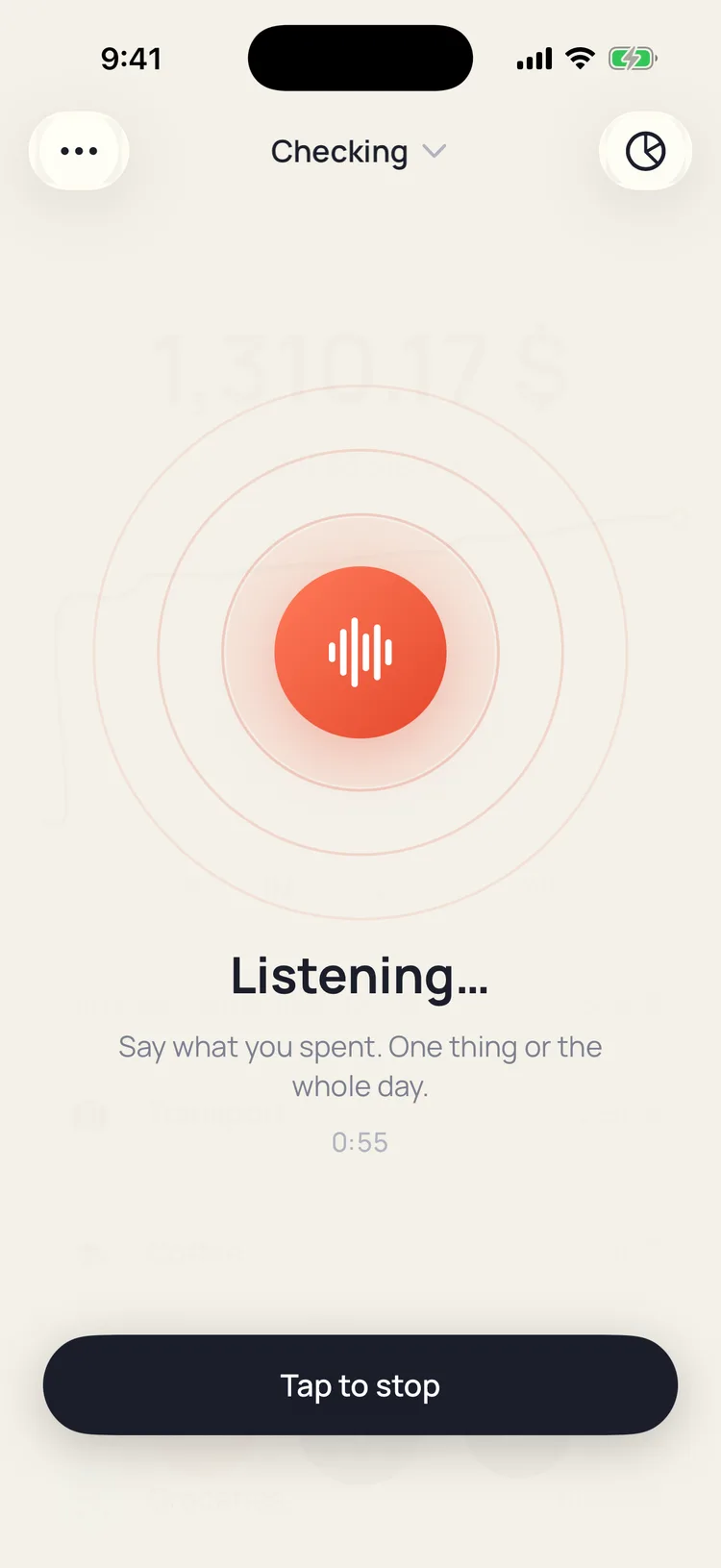
A receipt becomes a transaction.
Point the camera at a receipt, or pick a photo or screenshot you already have. Every line gets read, so a supermarket bill or a bank notification lands as transactions, not as a photo you never open again.
See receipt scanning ›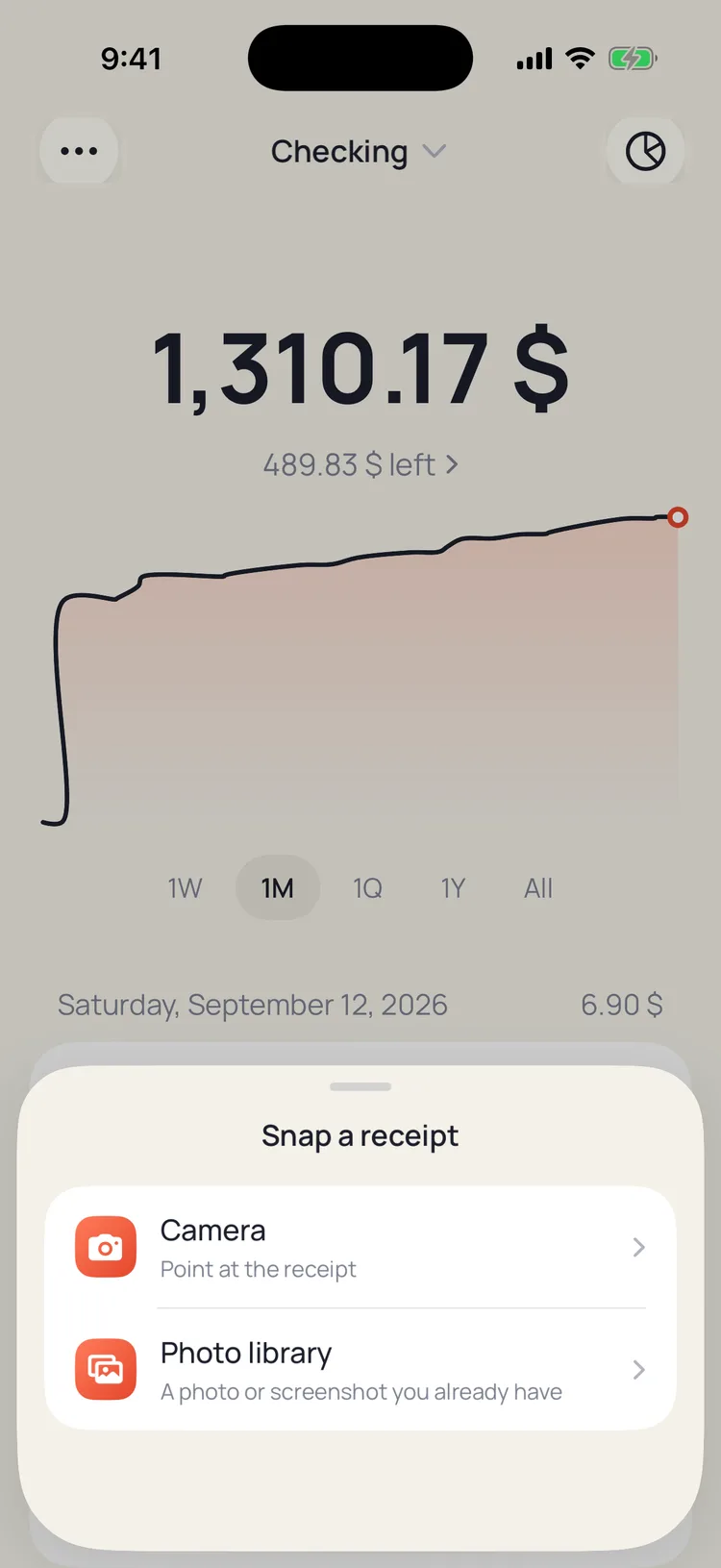
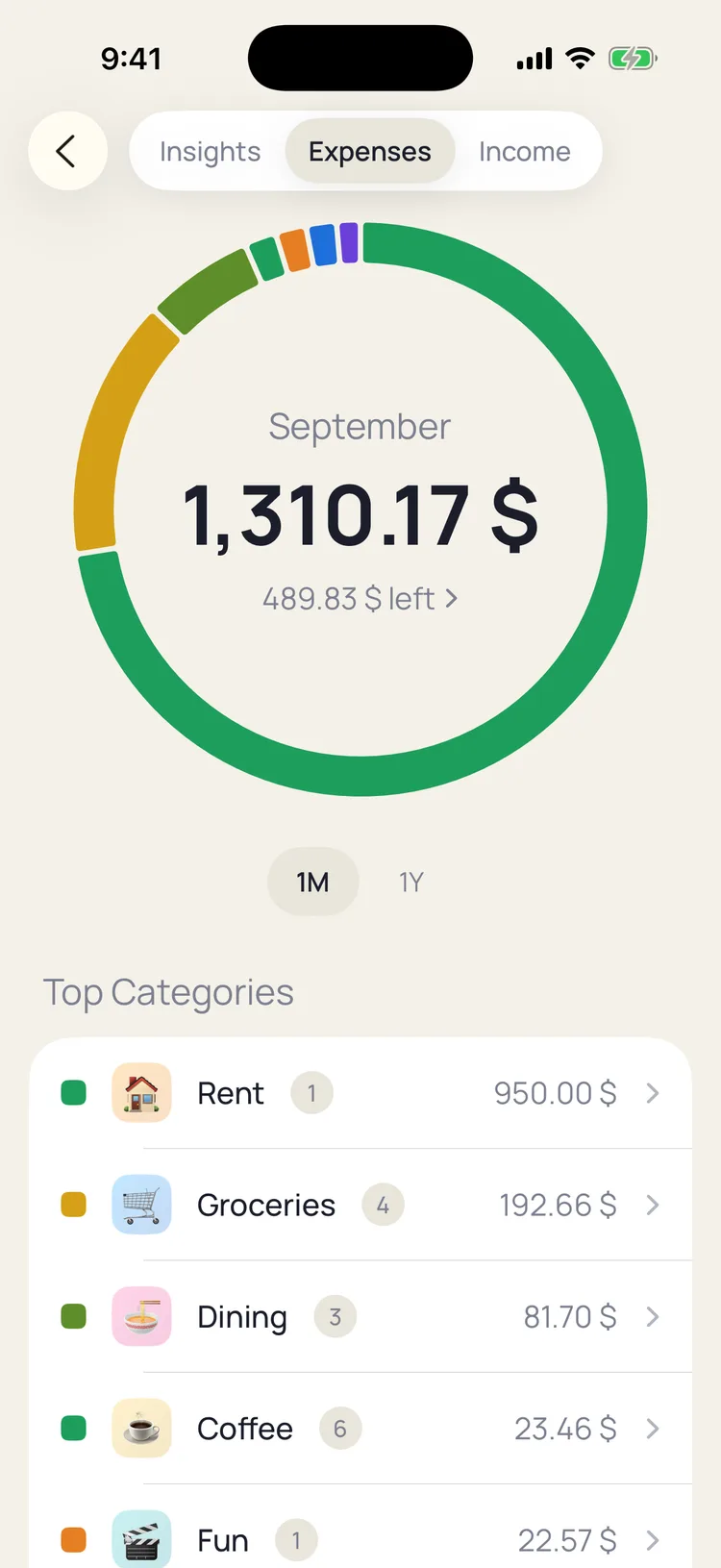
One month, three honest answers.
How much you spent and versus what, where it changed by tag, and how income and expenses stacked up over six months. A summary you can read in a minute, not a dashboard of fifteen numbers.
Explore insights ›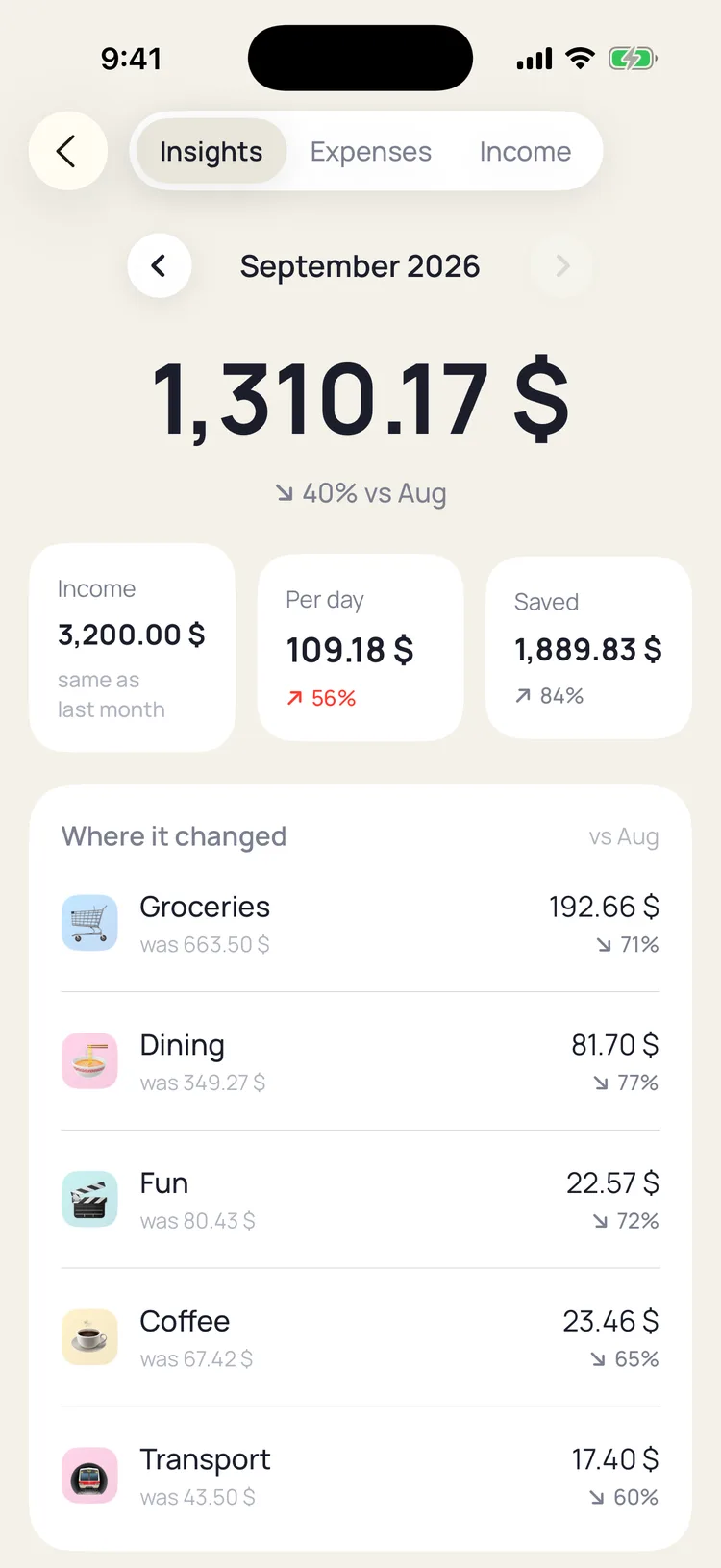
A budget that fits under your thumb.
A monthly or weekly allowance shows what's left right under the big number on Home. Each tag can carry its own budget with a thin progress bar. Red appears only when you're over, and nothing nags you before that.
See budgets ›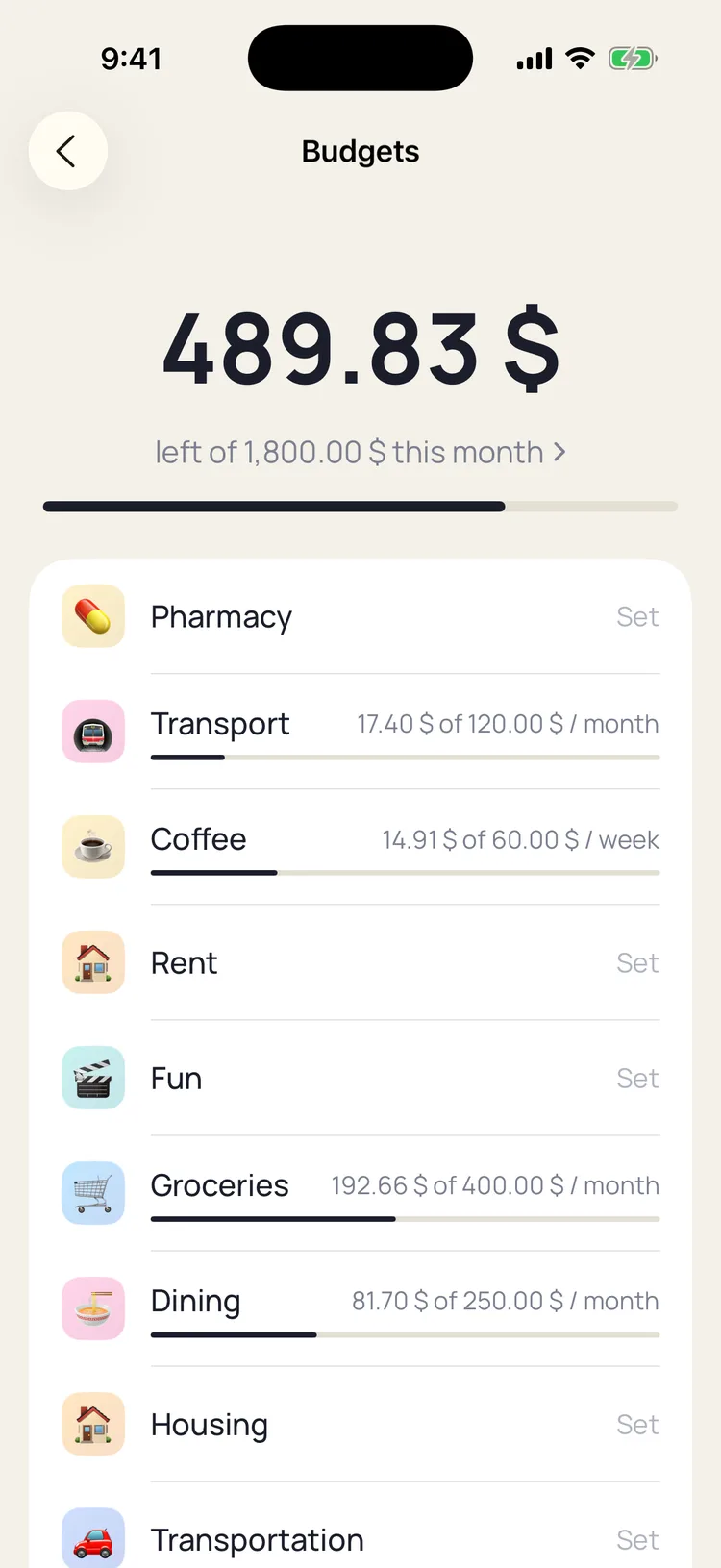
What you get
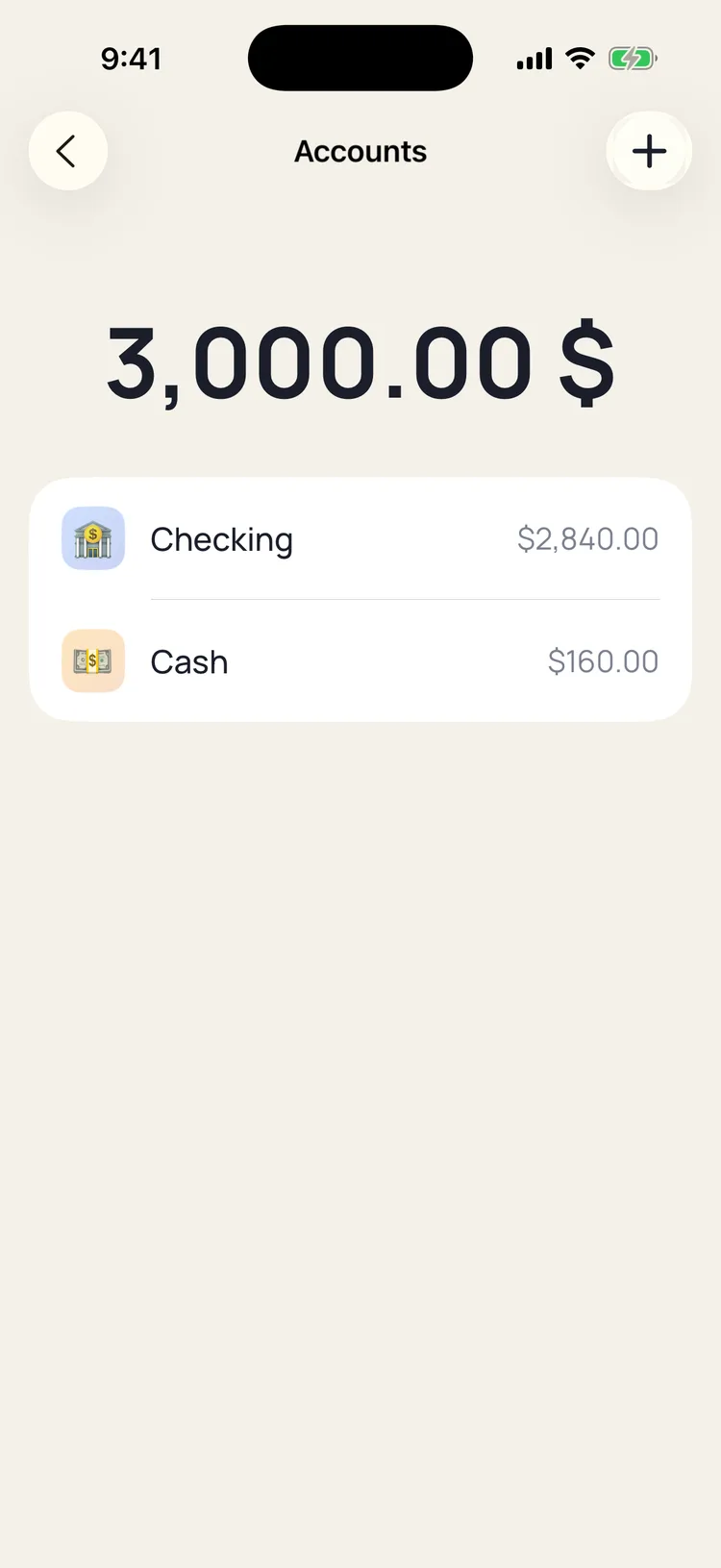
Cash, cards and savings, one number on top. 💳 Apple Pay
Every card tap logs itself. 🎯 Budgets
What's left, in one quiet line. 🔒 Privacy
Your iPhone, your iCloud, nobody else. 📊 Insights
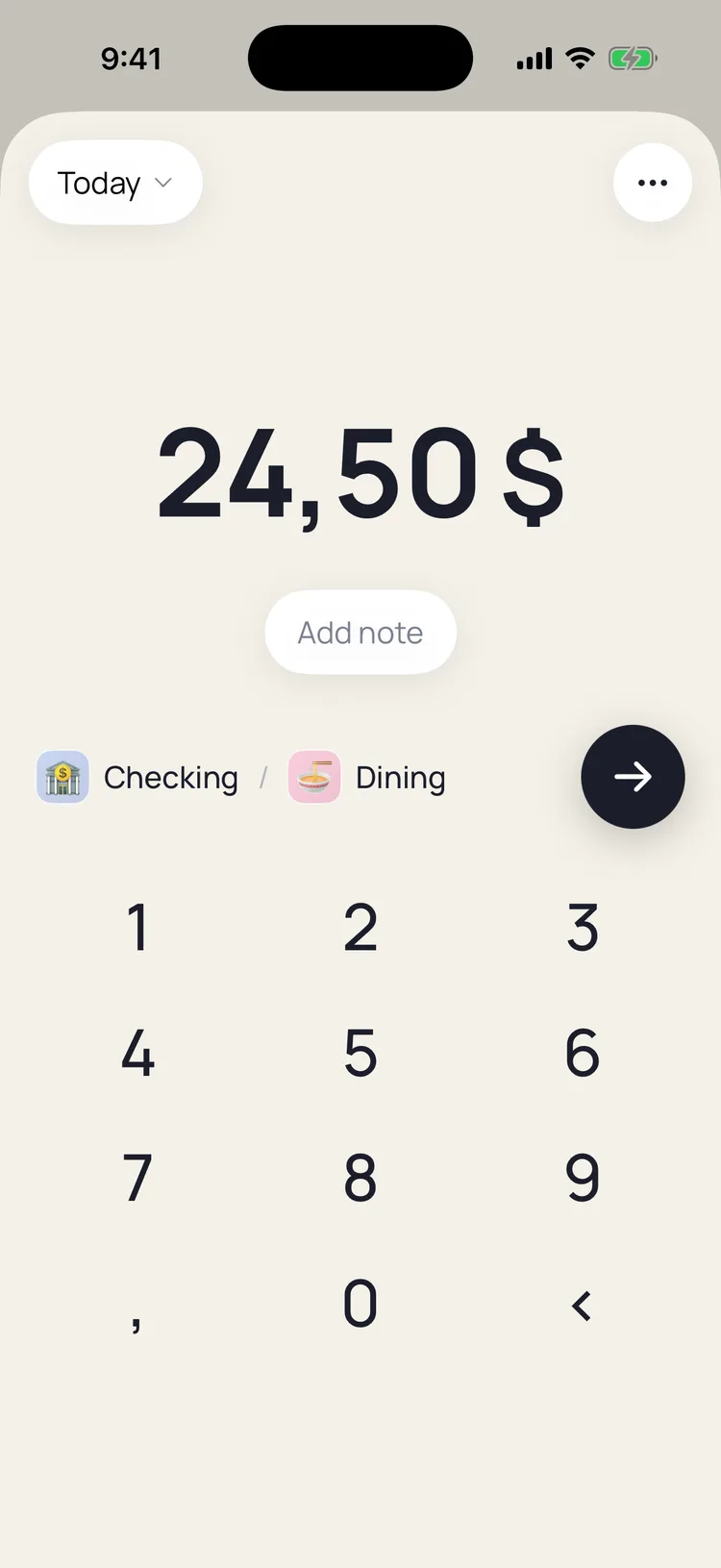
One month, three honest answers. 🔢 Keypad
Three taps when you'd rather not talk. 📷 Snap
A receipt becomes a transaction. 🏷️ Tags
One emoji per tag. Group them into categories. 🎙️ Voice
Say what you spent. It's logged in seconds.
Your data stays yours
Transactions live on your iPhone, with optional iCloud sync to your own Apple account. There is no Cash Book account to create and no server holding your history. Voice clips and receipt photos are sent to the AI model for parsing and are not kept. Cash Book never connects to a bank. The privacy policy says exactly what is and isn't collected, in plain language.
Simple pricing
$39.99 / year
Free for 7 days, then one yearly price through Apple. Cancel any time.
$19.99 once
Lifetime access. Pay once, keep it forever. Nothing to cancel, ever.
Frequently asked questions
How does voice expense logging work?
You tap the mic and say what you spent in your own words: one purchase, or the whole day in one go. Cash Book sends the audio to an AI model, which returns one or several transactions with amount, merchant, tag and date. You see them logged with an Edit option, so nothing sticks without your say-so.
Is Cash Book free?
Cash Book has a free 7-day trial with everything unlocked. After that it is $39.99 a year through Apple, or $19.99 once for lifetime access. There are no ads, no data selling and no weekly plans.
Does Cash Book connect to my bank?
No. Cash Book never connects to a bank or card, and there is no account to create. Card purchases can still log themselves: a one-time Shortcuts automation on Apple's Transaction trigger sends the amount and merchant of every Apple Pay tap to Cash Book.
How does Apple Pay auto-logging work?
Apple provides no API for card taps, so the only route any app has is a Shortcuts automation. In Shortcuts, add a new automation on the Transaction trigger, set it to run immediately, and add the Cash Book action Log purchase with Amount and Merchant mapped. From then on, every tap opens Cash Book and logs itself.
Does Cash Book work offline?
The keypad, budgets, accounts, search and insights all work offline. Voice logging and receipt scanning need a connection, because the audio or photo is processed by an AI model and the result is sent back to your iPhone.
Which languages and currencies does it support?
The interface ships in 26 languages, from English and Spanish to Japanese and Arabic, and voice logging understands spoken expenses in any major language. You can pick from 128 currencies in Settings.
Where is my data stored?
On your iPhone, with optional encrypted iCloud sync to your own Apple account. There is no Cash Book server holding your transaction history. You can lock the app with Face ID or Touch ID, export everything as CSV or Excel, and erase it all from Settings.
Try Cash Book free for 7 daysFree for 7 days. $19.99 once for lifetime.